Home/Computers & Office/Backup Power Supplies
Backup Power Supplies
Our main backup power supplies guide is pinned first. The other 4 narrow the list to a specific need.

Best Backup Power Supply for Home (2026)
Top pick: APC UPS Battery Backup & Surge Protector

Best Backup Power Supply for PC (2026)
Top pick: APC UPS BR1500MS2 Pure Sine Wave UPS
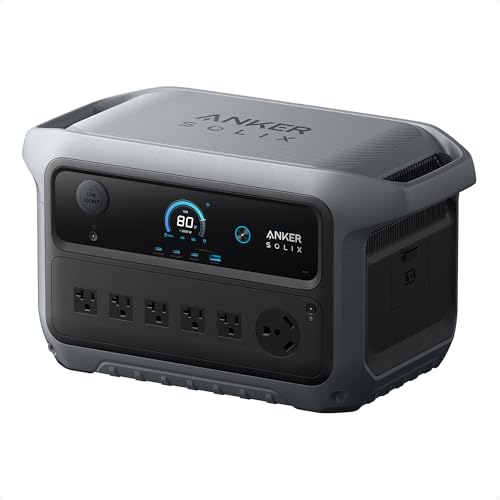
Best Backup Power Supply for Fridge (2026)
Top pick: Anker SOLIX C2000 Gen 2 Solar Powered

Best Backup Power Supply for Server (2026)
Top pick: Eaton Tripp Lite SMART1500LCD 1500VA 2U Rack
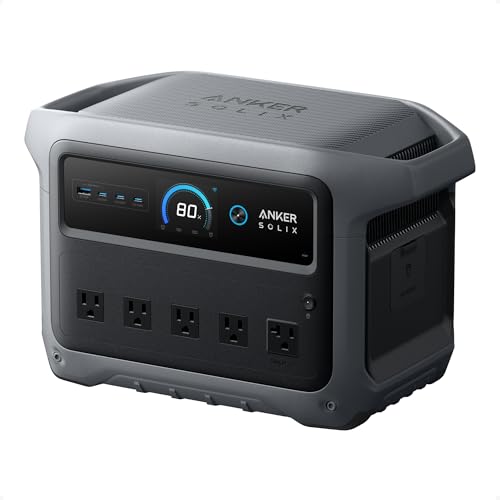
Best Portable Battery Backup Power Supply (2026)
Top pick: Anker SOLIX C1000 Gen 2 Solar Powered
How to choose a backup power supply
Backup power supplies here split into two shapes: desk-side UPS boxes that stay plugged in beside a PC, router or NAS, and portable stations with handles that move from room to room. The UPS boxes guard one setup, while the stations go where the power is needed, from a home office to a campsite. The choice turns on whether the unit stays put or travels with you.
Battery life in charge cycles
A charge cycle is one full charge and discharge of the battery, and the cycle figure states how many the battery is built for before its capacity fades. The range here runs from 3,000+ cycles on the GOLDENMATE 1500VA to 5,000+ cycles on the GOLDENMATE 1000VA models. The Jackery, the Anker and the LIBRIDS each state 4,000 cycles, with the Jackery keeping over 70% of its capacity after 4,000 cycles and the Anker and the LIBRIDS keeping over 80%. The DaranEner states 3,500+ cycles. Several models also state a 10-year lifespan: the Jackery, the Anker, the GOLDENMATE models, the LIBRIDS and the EcoFlow. A higher cycle count suits a unit that charges and discharges every day.
USB charging power
USB ports charge phones, tablets and laptops straight from the unit, and the wattage states how much power each port delivers. USB-C output here runs from 60W on the DaranEner to 100W on the Jackery and the EcoFlow. The DaranEner pairs its 60W USB-C PD port with two 18W USB-A ports, while the Jackery pairs PD 100W fast USB-C charging with its AC ports. The GOLDENMATE 1500VA takes a different approach: its two USB charging ports, one Type-C and one Type-A, offer a total of 10W charging power. A 100W USB-C port charges a laptop, while a 60W port suits phones and tablets and a 10W shared pair suits small devices.
Power cord length and placement
The power cord sets how far the unit can sit from the wall outlet, which decides where it fits on a desk or floor. Cord length here runs from 5 feet on the CyberPower CP1500PFCLCD to 6 feet on the CyberPower CP1500AVRLCD3. The CyberPower GX150C2-E and the CyberPower ST900U also state a five-foot cord. A 6-foot cord reaches further than a 5-foot cord when the nearest outlet sits behind furniture or across a desk leg. Measure the distance from the outlet to the spot before choosing, and keep the cord clear of walkways.